Gray Zone Warfare System Requirements PC 2026 – Minimum & Recommended Specs + Best Settings
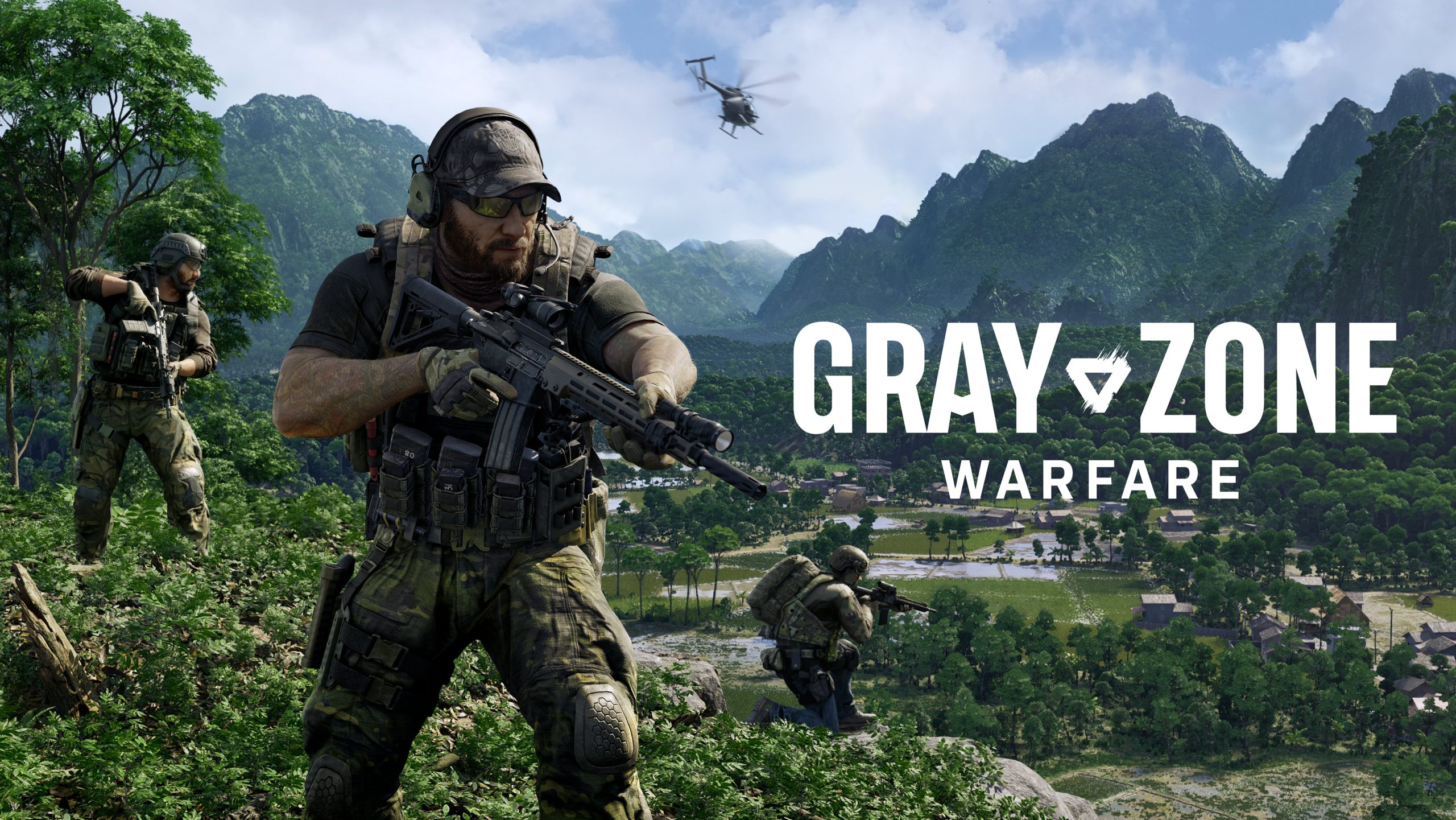
This article is about gray zone warfare system requirements, tips,game details, rating and more.
Gray Zone Warfare is a high-end tactical shooter that requires a powerful PC, especially because of its realistic graphics and large open-world environment. You will need at least 16GB RAM, a strong CPU, and a GPU like RTX 2060 or better for smooth gameplay.
If you’re planning to play this realistic military shooter, this guide will explain the Gray Zone Warfare system requirements, performance, and best settings for smooth gameplay.
Game Overview
- Developer: MADFINGER Games
- Publisher: MADFINGER Games
- Release Date: 2024
- Platforms: PC
- Genre: Tactical Shooter, Open World, Multiplayer
Gray Zone Warfare is a realistic military simulation game where players explore a massive open-world map, complete missions, and engage in tactical combat.
Gray Zone Warfare System Requirements PC
Minimum Requirements
- OS: Windows 10 (64-bit)
- Processor: Intel Core i5-8600 / Ryzen 5 3600
- RAM: 16 GB
- Graphics: NVIDIA GTX 1080 / RX 5700
- Storage: 50 GB SSD
- DirectX: Version 12
These specs allow gameplay on low settings.
Recommended Requirements
- OS: Windows 10 / 11
- Processor: Intel Core i7-9700K / Ryzen 7 3700X
- RAM: 32 GB
- Graphics: RTX 3060 / RX 6700 XT
- Storage: 50–70 GB SSD
- DirectX: Version 12
These specs provide smooth gameplay on high settings.
System Requirements Comparison Table
| Component | Minimum | Recommended |
|---|---|---|
| Processor | i5-8600 | i7-9700K |
| RAM | 16GB | 32GB |
| Graphics | GTX 1080 | RTX 3060 |
| Storage | 50GB SSD | 70GB SSD |
Why Gray Zone Warfare Needs High Specs
This game is heavy because:
- Large open-world map
- Realistic military simulation
- High-quality textures
- Multiplayer interactions
That’s why low-end PCs struggle.
Can You Run Gray Zone Warfare?
Low-End PC (8GB RAM)
Not supported
Mid-Range PC (16GB RAM + GTX 1080)
Playable
Low–Medium settings
High-End PC (RTX 3060+)
Smooth gameplay
High settings
Performance Expectations
Mid-Range PC:
- FPS: 35–55 FPS
- Graphics: Medium
- Experience: Playable
High-End PC:
- FPS: 60–80 FPS
- Graphics: High
- Experience: Smooth
Best Settings for Gray Zone Warfare
For Mid-Range PC
- Resolution: 1080p
- Graphics: Medium
- Shadows: Low
- Effects: Medium
- DLSS: ON
Improves FPS
For High-End PC
- Resolution: 1440p / 4K
- Graphics: High
- Shadows: High
- Effects: High
- DLSS: ON
Best visuals
Pro Tips (Expert Insights)
- Use SSD (very important)
- Enable DLSS for better performance
- Lower shadows for FPS boost
- Close background apps
Helps improve gameplay
Common Issues & Fixes
Low FPS
👉 Fix:
- Enable DLSS
- Lower graphics
Lag / Stutter
👉 Fix:
- Use SSD
- Close apps
Crash
👉 Fix:
- Update drivers
- Verify files
The Gray Zone Warfare system requirements PC show that it is a demanding game requiring a powerful setup. To enjoy smooth gameplay, you need a strong GPU, enough RAM, and SSD
Community Optimization Logs
Verified settings from GameGuideLab readers playing Gray Zone Warfare on budget and mid-tier setups.
“The game was a slideshow at native 1080p. Turning on FSR Performance makes it a bit blurry in the jungle, but it completely stopped the stuttering during firefights.”
“You MUST turn Foliage to Low. It gives you a massive +15 FPS boost at the helicopter landing zones and actually makes it easier to spot enemies hiding in the bushes.”
Visit more
- Resident Evil Requiem 2026 – Full Guide, Story, Gameplay & Features
- Manor Lords System Requirements PC 2026 – Minimum, Recommended & Best Settings
- Black Myth: Wukong 2026 – Full Guide, Gameplay, Story & Features
- visit game official website for more information
- buy this game from steam
FAQs
What are Gray Zone Warfare system requirements?
Minimum requires 16GB RAM and GTX 1080 GPU.
Can low-end PC run Gray Zone Warfare?
No, it requires a mid to high-end PC.
How much RAM is needed?
16GB minimum, 32GB recommended.
Is Gray Zone Warfare a heavy game?
Yes, it is a high-graphics tactical shooter.
Does it require SSD?
Yes, SSD is strongly recommended.













Post Comment