Can I Run MW3 on Low-End PC? (2026) – Full Performance Guide
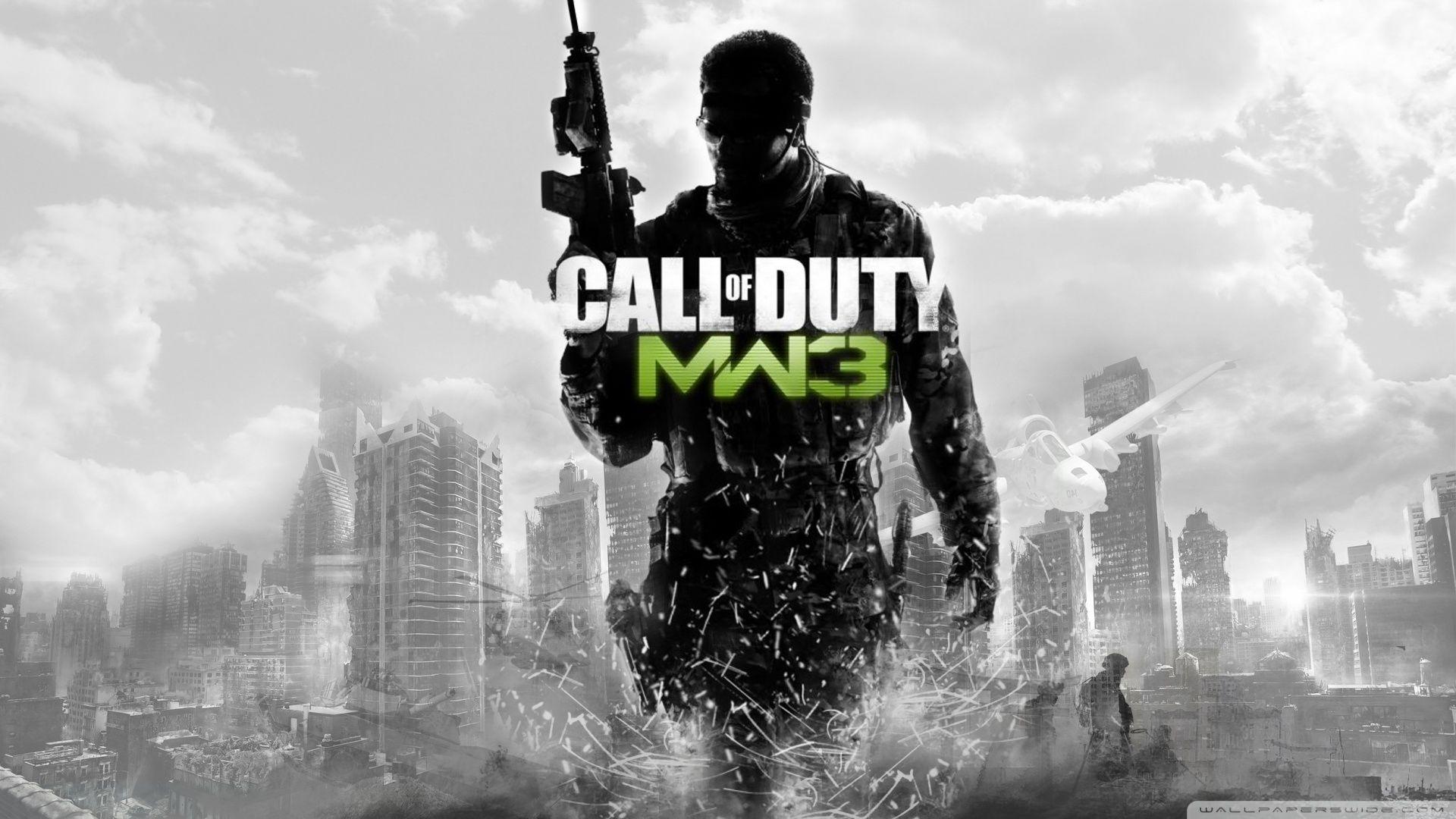
Yes, you can run Modern Warfare 3 on a low-end PC, but only with optimized settings and reduced graphics. If your system meets at least the minimum requirements, the game will run, but performance may vary.
In this guide, you’ll learn whether your PC can run MW3, expected FPS on low-end systems, and the best settings to improve performance.
Game Overview
- Developer: Sledgehammer Games, Infinity Ward
- Publisher: Activision
- Release Date: 2023
- Platforms: PC, PlayStation, Xbox
- Genre: First-Person Shooter (FPS)
Modern Warfare 3 is a high-performance FPS game with advanced graphics, requiring decent hardware for smooth gameplay.
Can You Run MW3 on Low-End PC?
✔️ Minimum Requirements Check
You can run MW3 if your PC has:
- CPU: Intel i5-6600 / Ryzen 5 1400
- RAM: 8 GB
- GPU: GTX 960 / RX 470
- Storage: 150 GB
👉 If your specs are similar or slightly lower, the game may still run with tweaks.
Expected Performance on Low-End PC
Here’s what you can expect:
- Low Settings: 30–45 FPS
- Medium Settings: 25–35 FPS
- High Settings: Not recommended
👉 Performance depends on your GPU and RAM.
Performance Comparison Table
Best Settings for Low-End PC
To get the best performance:
Graphics Settings
- Texture Quality → Low
- Shadow Quality → Low
- Anti-Aliasing → Off
- Motion Blur → Off
- Effects → Low
Display Settings
- Resolution → 720p or 900p
- V-Sync → Off
- Frame Limit → 60 FPS
👉 These settings can improve FPS significantly.
How to Boost FPS in MW3
Use these tips:
- Update graphics drivers
- Close background apps
- Enable Game Mode in Windows
- Use SSD instead of HDD
- Lower render resolution
👉 This can boost FPS by 20–40%.
Can You Run MW3 Without GPU?
👉 Short answer: Not recommended ❌
MW3 requires a dedicated GPU. Integrated graphics may struggle heavily and cause lag or crashes.
Pro Tips / Expert Insights
- Always install game on SSD
- Keep at least 20 GB free space
- Use performance mode in GPU settings
- Avoid running heavy apps in background
👉 These improve stability and reduce lag.
Related Guides
- Resident Evil Requiem Best Charms Guide
- How Much Space Does Fortnite Take?
- GTA 5 Download Size PC 2026
MW3 Low-End PC FAQs
Can I run MW3 on 4GB RAM?
No, MW3 requires at least 8 GB RAM.
Can I run MW3 without GPU?
Not recommended, performance will be very poor.
What FPS can I expect on low-end PC?
Around 30–45 FPS on low settings.
Is MW3 playable on integrated graphics?
Only on very low settings, but not a good experience.
How to increase FPS in MW3?
Lower settings, update drivers, and use SSD.
Conclusion
So, can you run MW3 on a low-end PC? Yes—but only with optimized settings and performance tweaks. While the game is demanding, careful adjustments can make it playable even on weaker systems.













Post Comment